




20% OFF

First VPS

00d 00:00:00

Best Trade Copiers for MT4, MT5 and Telegram (2026)

MetaCopier is our top-rated trade copier: it copies between MT4, MT5, cTrader, DXtrade and TradeLocker accounts from the cloud, with loss limits and profit targets for each account. We compared 10 copiers on platforms, how they copy, price and prop firm tools, using each vendor's own information and our full review of each one, and scored every copier out of 10.

Written By

Matthew Hinkle

Lead Writer & Full Time Retail Trader

Reviewed By

Thomas Vasilyev

Writer & Full Time EA Developer

Published

#1 Best overall

MetaCopier

MT4, MT5, cTrader +3 · from $0.22/account/day

MetaCopier is a cloud copier run by a Swiss company that copies in any direction between MT4, MT5, cTrader, DXtrade, TradeLocker and Match-Trader, and can also place trades from Telegram channels and TradingView alerts. A shared project costs $0.27 a day for each account, from the day the account is added until it is removed, and new users get $20 of credit for their first shared project if they verify their phone number by SMS before they create any project.

  • Nothing to install or keep running
  • Priced per account by the day
  • Drawdown limits, margin cap and trade cooldown for prop firm rules
9.0/10

Our score

#2 Best for prop firms8.3/10

TradersConnect

from $10/account/mo

#3 Best free copier8.1/10

Copiix

Free

#4 Honorable mention8.0/10

Local Trade Copier

from €29/mo

How We Chose These Copiers

We scored every copier out of 10 from its vendor's own pages and our full review of it, on the four things that matter most when you copy trades between forex accounts, weighted as shown. We recheck prices, trials and platform lists every month, and the change log at the bottom of the page records each change.

  • Platforms · 25%

    Which of MT4, MT5, cTrader, DXtrade, TradeLocker and Match-Trader it copies between.

  • How it copies · 30%

    On your own computer, in the cloud or from Telegram signals, and how well it sizes, maps and keeps each follower in step.

  • Price and trial · 25%

    What a typical setup costs, and whether it is free or has a trial.

  • Prop firm tools · 20%

    Risk limits for each account, such as drawdown and daily loss limits.

All 10 Trade Copiers Compared

Last checked · Page history

Showing 10 of 10 trade copiers

#CopierScoreTypePlatforms supportedPrice fromCopy LatencyReview
1MetaCopier9.0/10Cloud
$0.22/account/day5 msReview of MetaCopier
2TradersConnect8.3/10Cloud
$10/account/mo20–30 msReview of TradersConnect
3Copiix8.1/10Local
Free<1 msReview of Copiix
4Local Trade Copier8.0/10Local
€29/mo0.8 sReview of Local Trade Copier
5TSCopier7.8/10Telegram
$30/mo70–250 msReview of TSCopier
6Heron Copier7.8/10Cloud
$19/mo20–40 msReview of Heron Copier
7Duplikium7.5/10Cloud
€9/account/mo1–3 msReview of Duplikium
8Copygram7.2/10Cloud
$29/mo<20 msReview of Copygram
9FX Blue Personal Trade Copier7.0/10Local
Free25–50 msReview of FX Blue Personal Trade Copier
10Social Trader Tools5.8/10Cloud
$20/mo50 msReview of Social Trader Tools

Don’t See The Copier You Use?

Tell us which trade copier you’d like compared, and we’ll review it and score it on the same four criteria as every copier above. Listings and rankings aren’t paid.

Suggest a copier

Our Top 4 Best Trade Copiers

#1 · Best overall

MetaCopier

9.0/10

MetaCopier is a cloud copier from a Swiss company that copies in any direction between MT4, MT5, cTrader, DXtrade and TradeLocker, with Match-Trader in beta, so nothing has to run on your side. It sizes each follower by a fixed lot, a multiplier or a balance or equity ratio, maps symbols between brokers, copies stop loss and take profit changes and partial closes, and can reverse a follower. Its Pro features add sizing by risk and turn Telegram channels and TradingView alerts into trades.

For prop firm accounts it sets a daily and an overall loss limit and a profit target on each account, can block hedging and limit trading to the hours you choose, and can route an account through a dedicated IP or your home IP. A shared project costs $0.27 a day for each account, and Pro features add $0.10, so a master and four followers cost about $40 a month. New users get $20 of credit for their first shared project if they verify their phone number by SMS before they create any project.

From $0.22/account/day

$20 of credit for the first shared project, if you verify your phone number by SMS before you create your first project

#2 · Best for prop firms

TradersConnect

8.3/10

TradersConnect is a cloud copier built around prop firm accounts that copies between MT4, MT5, cTrader, DXtrade, TradeLocker and Match-Trader. Each follower can use a fixed lot, a lot or balance multiplier or a fixed balance, with sizing by risk in beta, and you can map symbols, choose which symbols and sides are copied, reverse a follower and limit the hours it trades.

Its equity protection, which the vendor still labels beta, sets a daily drawdown, a maximum loss and a profit target on each account and flattens or disables the account when one is reached, and a news calendar and optional dedicated IPs help with firms' rules. It costs $10 a month for each account, or $15 on Premium, so a master and four followers cost $50 a month, and this plan has no free trial.

#3 · Best free copier

Copiix

8.1/10

Copiix is a free local copier that copies between MT4, MT5 and cTrader terminals on the same machine, with no limit on accounts and no registration, and it runs on Windows, Linux and macOS. It sizes each follower by a fixed lot, an equity ratio or a percentage of the master's lot, translates symbol prefixes and suffixes, copies stop loss and take profit changes and partial closes, and can reverse a follower.

Its free drawdown and target setting closes every open trade when a drawdown limit or profit target you set is reached. Extras such as webhooks and an experimental Telegram copier unlock for 30 days when you sign in to its console and donate from €9 with the same email. Like any local copier, it copies only while the machine its terminals run on is switched on.

#4 · Honorable mention

Local Trade Copier

8.0/10

Local Trade Copier runs as an Expert Advisor inside each MetaTrader terminal and copies between them on the same PC or VPS, in any direction between MT4 and MT5. You pay per machine rather than per account, so a large setup on one VPS costs the same as a small one.

What Is a Trade Copier?

A trade copier copies trades from one trading account, the master, to one or more follower accounts automatically. When you open, modify or close a position on the master, the copier repeats it on every follower within moments, sized by the rules you set for each one, such as a lot multiplier or a ratio of the two accounts' equity.

Traders use one to run the same strategy on several accounts, to pass prop firm challenges on more than one account at once, to manage money for clients, or to follow signals from another trader or a Telegram channel. Most copiers also map symbol names between brokers, so EURUSD on one account becomes EURUSD.pro on another.

How a trade copier works

There are three kinds, and the difference is where the copying happens.

  • Local copiers run as an Expert Advisor in each MetaTrader terminal on the same PC or VPS. The sender writes each trade to the machine and the receivers read it, so the copy never leaves the computer.
  • Cloud copiers log into your accounts from the vendor's servers and copy between them there. The accounts can be at any broker and in any place, and nothing runs on your side.
  • Telegram copiers read signal messages in a Telegram channel instead of a master account, and turn each one into an order on your account.
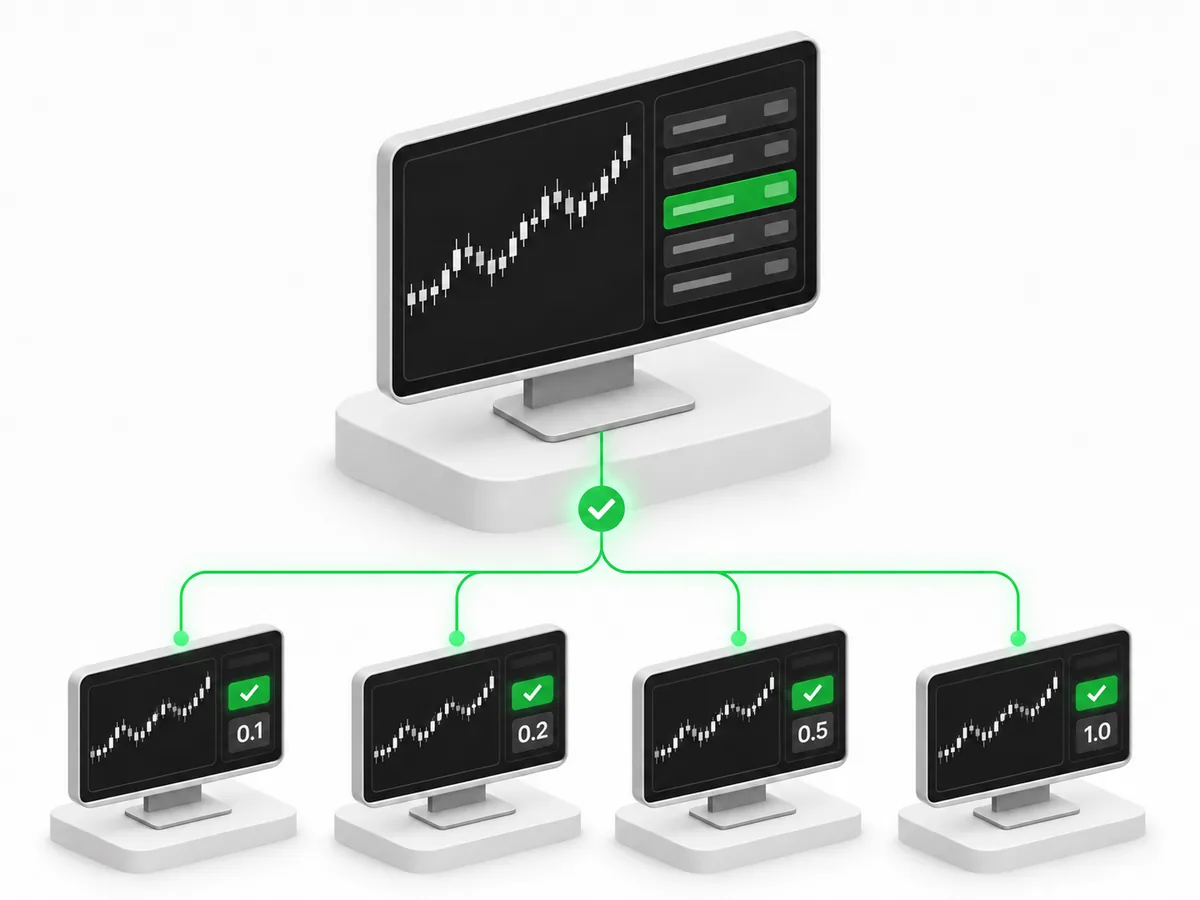
One master trading terminal sends a trade that is copied to four follower terminals at different lot sizes.
Each trade on the master is repeated on every follower, sized by that follower's own settings.

Best MT5 Trade Copier

MetaCopier is our pick for MT5, because it copies between accounts at different brokers or on different machines from the cloud, with no terminal running on your side and loss limits on each account. For MT5 accounts that run on one VPS, Copiix copies between them for free, and Local Trade Copier adds daily loss protection for each account from €29 a month.

MetaTrader 5 has no built-in way to copy between your own accounts. Its Signals service subscribes your account to a public provider on the MQL5 community, which is useful for following someone else but not for mirroring your own trading.

MT4 trade copiers and copying MT4 to MT5

Every copier in our table supports MT4 as well as MT5. If your strategy runs on MT4 and your broker or prop firm offers only MT5, Local Trade Copier and FX Blue both copy across the two: you install the MT4 version in the master terminal and the MT5 version in the follower. Cloud copiers such as Heron Copier, TradersConnect and MetaCopier copy between MT4, MT5, cTrader, DXtrade and TradeLocker accounts, and Duplikium covers all of them except TradeLocker. Our guide to copying trades between MetaTrader and cTrader covers that setup step by step.

Two trading terminals on one computer, with a sender and a receiver copying a trade from one to the other.

Best Free Trade Copier

Copiix is the best free trade copier. It copies between MT4, MT5 and cTrader terminals on the same machine with no limit on accounts and no registration, and it runs on Windows, Linux and macOS. Its extras, such as webhooks and an experimental Telegram copier, unlock for 30 days when you sign in to its console and donate from €9 with the same email.

FX Blue Personal Trade Copier is the free alternative for MetaTrader accounts on one computer. It copies between MT4 and MT5 terminals on the same machine, with lot sizing, symbol mapping and reverse copying, and its installer needs Microsoft .NET Framework 4.8, which some VPS images don't include.

A free copier still needs a machine that stays on, because a local copier only copies while its terminals are running. Heron Copier, which used to offer a free local version, is now cloud only and starts at $19 a month. Local Trade Copier has a 7-day free trial, Duplikium gives €20 of credit once you verify your mobile number by SMS, and MetaCopier gives $20 of credit for your first shared project if you verify your phone number by SMS before you create any project.

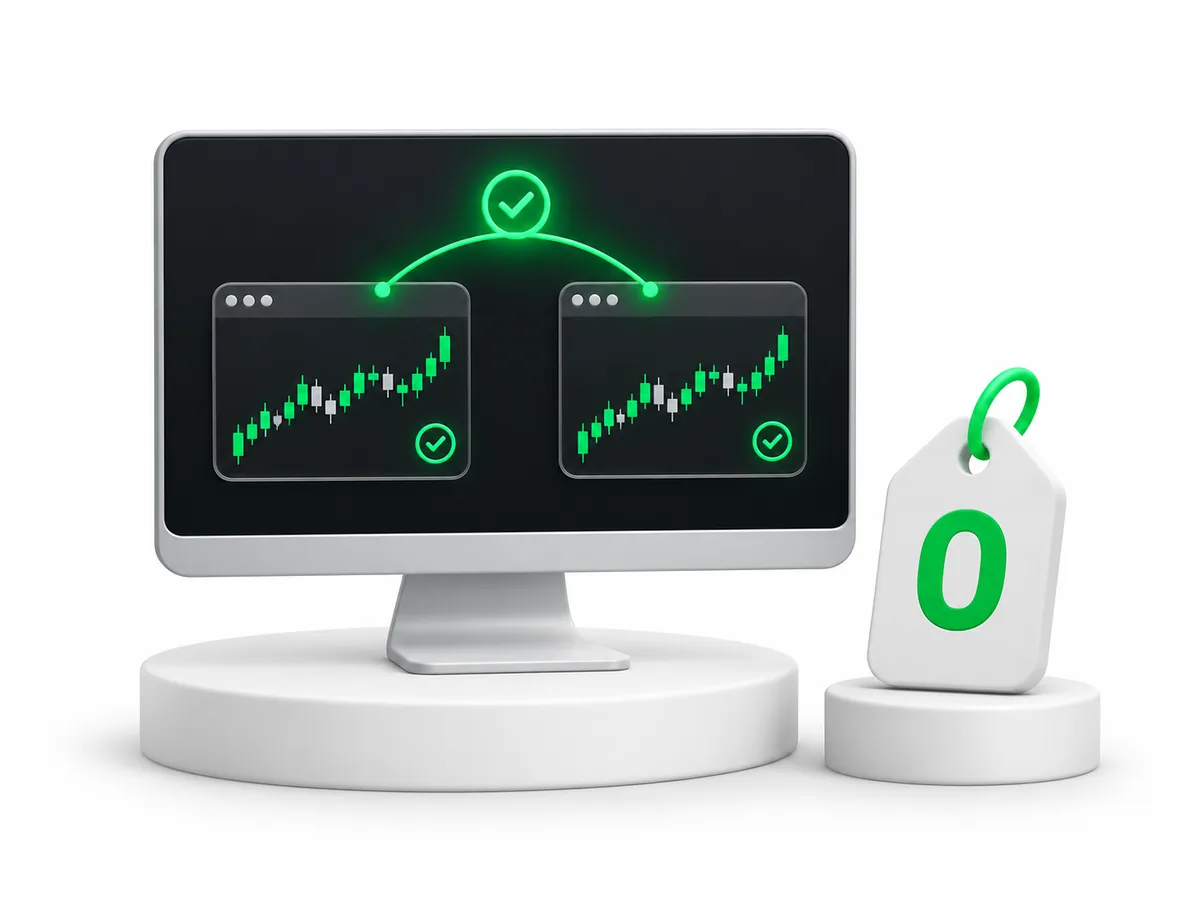
Two terminals copying a trade on one computer, next to a price tag showing zero.

Trade Copiers for Prop Firms

Many prop firms allow trade copiers, but the rules differ from firm to firm and they decide whether your account keeps its payout. Many firms allow copying between accounts you own, while copying another person's trades or a paid signal service is commonly banned, and some firms limit how many accounts may hold identical positions.

Before you connect a funded account, check that the firm's rules allow both Expert Advisors and copy trading, and ask support in writing if it isn't clear. Then choose the copier by how it reaches your account:

  • Local copiers run as an Expert Advisor in your own terminal, so the firm has to allow both EAs and copy trading. Local Trade Copier also copies from MT4 to MT5 for firms that offer only MT5.
  • Cloud copiers log in to your account from the vendor's servers. Some firms block that kind of API access, and Heron Copier keeps a list of the ones it knows about. TradersConnect, Heron Copier and MetaCopier also sell dedicated IP addresses, so your accounts don't share an address with other customers.
  • Risk limits are a safeguard, not a guarantee: they act at the threshold you set, so set it well inside the firm's own limit. Heron Copier, TradersConnect and TSCopier's Pro plan can stop at an equity or balance threshold you set for each account.

Read your prop firm's rules before you connect a copier: copying between your own accounts is often allowed, while copying someone else's trades is commonly banned.

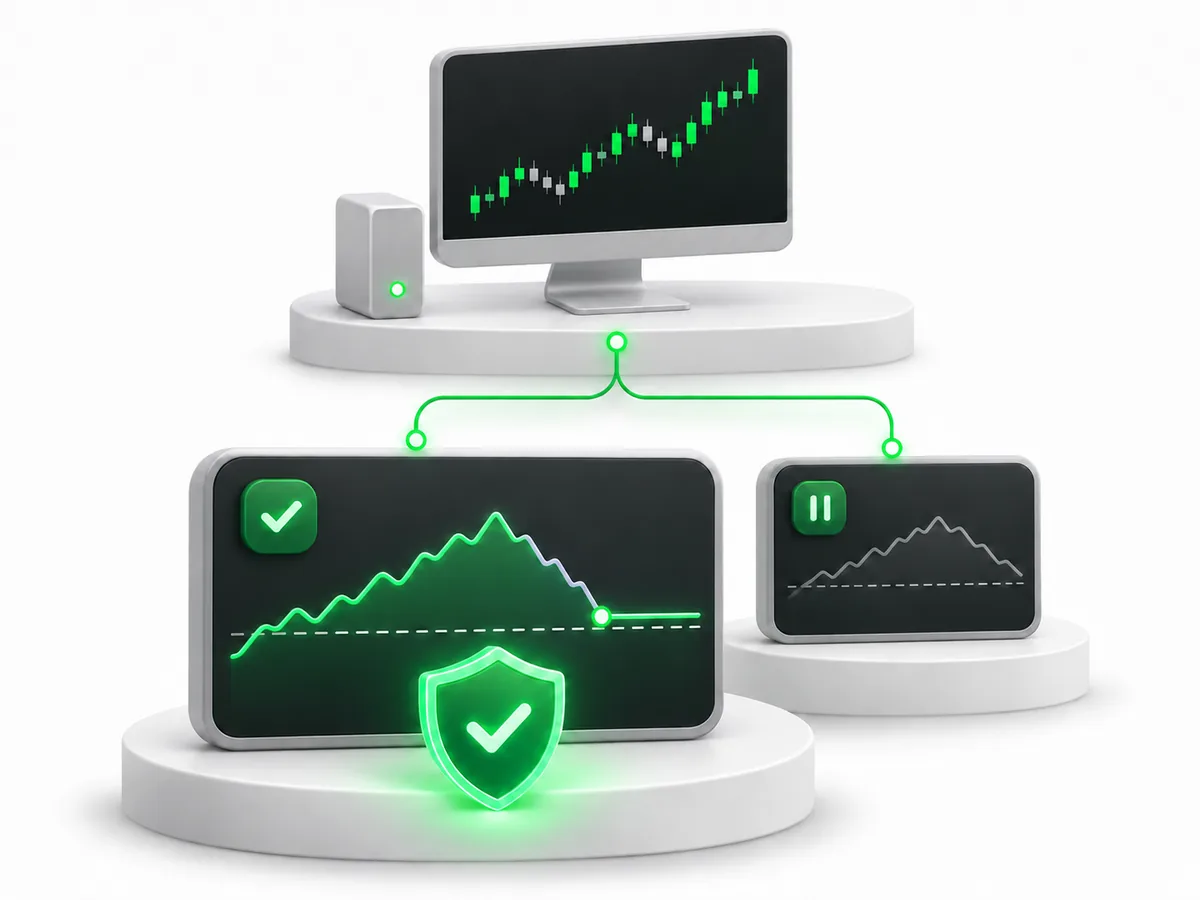
A funded account's equity line stops at its drawdown limit behind a shield, and a second account is paused.

Telegram Signal Copiers

A Telegram signal copier reads trade signals from the Telegram channels you follow and places them on your trading account automatically, including the stop loss and take profit in the message. TSCopier is our pick for most traders, and Copygram and Heron Copier are cloud copiers that also turn Telegram signals into trades.

The copier connects to your own Telegram account, so it can read any channel you have joined, and an AI or rule-based parser turns each message into an order. Signals that are edited later, split into several take profits or posted as images are where copiers differ most, so run any copier on a demo account with your own channels before you let it trade real money.

Telegram to MT5 copier

Every Telegram copier in our table supports MT5. TSCopier runs on a Windows PC or VPS next to your terminal, while Copygram and Heron Copier run on the vendor's servers and log in to your MT5 account remotely.

A signal posted in a chat channel is read by a parser and placed as an order on a trading chart.

Local vs Cloud vs Telegram Copiers

Choose a local copier when all your accounts can run on one PC or VPS, a cloud copier when they are at different brokers or places, and a Telegram copier when the trades come from a signal channel rather than an account.

A local copier is usually the fastest kind, because the copy never leaves the machine, and it is usually the cheapest: FX Blue's copier is free, and Local Trade Copier charges per machine rather than per account. You are responsible for keeping that machine and its terminals running.

A cloud copier runs on the vendor's servers, so it needs nothing on your side and connects accounts anywhere, at the cost of a trip to those servers and back and a monthly fee for each account. It also depends on the vendor's service staying up, and some prop firms block the API access it uses.

A Telegram copier follows a signal provider instead of an account, and runs either on your own PC or VPS or on the vendor's servers. Each copy also waits for the copier to read and parse the signal, and how well it works depends mostly on its parser and on how consistently the channel writes its signals.

Three ways a trade copier runs: on one computer between two terminals, in the cloud to three accounts, and from a chat message to a trading account.

Running a Trade Copier 24/7 on a VPS

A local copier only copies while its terminals are open, so it needs a machine that stays on. Most traders use a VPS for that, because it stays online when their own computer is off. A VPS in the same data center as your broker also shortens the trip from each follower terminal to the broker's server, which is part of every copy's delay however fast the copier is.

The CPU and RAM a local copier needs depend mostly on how many terminals run alongside it. An NYCServers forex VPS is built for running MetaTrader terminals around the clock, close to the major brokers' servers. Cloud copiers don't need a VPS for the copying, but any Expert Advisor trading the master account still needs an open terminal, on a VPS or another machine that stays on.

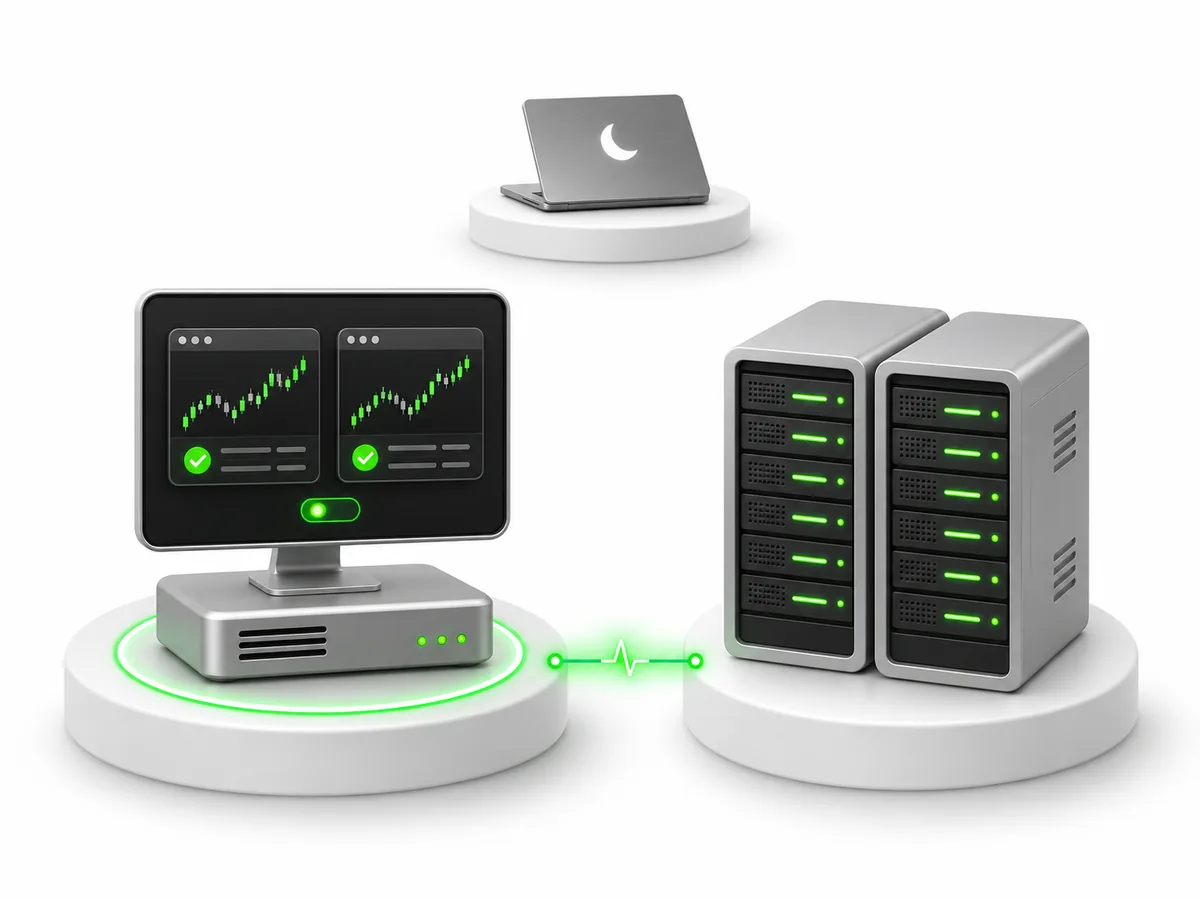
A VPS running two trading terminals sits next to the broker's servers while the trader's laptop sleeps.

Run Your Trade CopierAround The Clock

  • Placed by your broker’s trading server
  • Pre-Installed Trading Platform
  • 14-day money back
See NYCServers Plans

Futures Copiers

If you trade futures on NinjaTrader, Tradovate or Rithmic, you need a copier built for those platforms, and the prop firm rules are different too. We compare those copiers in our futures guide.

Futures copiers compared

Page History

  • First published, comparing ten trade copiers for MT4, MT5, cTrader and Telegram and scoring each one out of 10.

Frequently Asked Questions

What is the best trade copier for forex?

MetaCopier scores highest in our comparison: it copies from the cloud between MT4, MT5, cTrader, DXtrade and TradeLocker, sets loss limits and profit targets on each account, and costs $0.27 a day per account on a shared project. TradersConnect covers the same platforms with prop firm tools at $10 a month per account, Copiix is the best free copier for terminals on one machine, and for Telegram signal channels TSCopier is our pick.

Is there a free trade copier?

FX Blue Personal Trade Copier is a free local copier for MT4 and MT5 terminals on the same computer or VPS, and Copiix is a free local copier for MT4, MT5 and cTrader with no limit on the number of accounts. Both copy only while the machine they run on is switched on. Local Trade Copier has a 7-day free trial, Duplikium gives €20 of credit once you verify your mobile number by SMS, and MetaCopier gives $20 of credit for your first shared project if you verify your phone number by SMS before you create any project.

Does MT5 have a trade copier?

MetaTrader 5 has no built-in copier between your own accounts. Its Signals service copies a public provider from the MQL5 community to your account, which is a different thing. To copy between your own MT5 accounts you need a copier such as Local Trade Copier, FX Blue or a cloud service.

How do you copy trades on MT5?

With a local copier you attach a sender Expert Advisor to a chart in the master terminal and a receiver to a chart in each follower terminal, then set the lot sizing and enable Algo Trading. With a cloud copier you enter each account's login and server in the vendor's dashboard instead, and nothing runs on your side.

Do prop firms allow trade copiers?

Many do, with conditions. Firms that allow Expert Advisors often allow copying between accounts you own, while copying another person's trades or a paid signal is commonly banned, and some firms block the API access that cloud copiers need. Read your firm's rules page before you connect a funded account.

Is a local or a cloud copier faster?

A local copier is usually faster, because the copy never leaves the machine your terminals run on, while a cloud copier adds a trip to the vendor's servers and back. The comparison table shows the copy latency each vendor publishes, where it publishes one.

Do I need a VPS for a trade copier?

A local copier or a desktop Telegram copier needs a machine that stays on, because it copies only while its terminals are open: a VPS, or a PC you leave running. A cloud copier runs on the vendor's servers, so nothing of yours has to run for the copying itself, although any Expert Advisor trading the master account still needs its terminal open.

Can I copy Telegram signals to MT5 automatically?

Yes. A Telegram signal copier reads each message in the channels you choose, turns the entry, stop loss and take profit into an order and places it on your MT5 account. Test it on a demo account first, because each channel writes its signals differently.

Matthew Hinkle

Lead Writer & Full Time Retail Trader

Matthew is NYCServers' lead writer. In addition to being passionate about forex trading, he is also an active trader himself. Matt has advanced knowledge of useful indicators, trading systems, and analysis.

  • Forex Trading
  • Technical Analysis
  • Trading Systems
  • Market Indicators

Written by Matthew on

View profile