
EA Backtest vs Live Results: Why EAs Fail Live
Why your EA wins in backtest but loses live: the data, slippage, latency, over-optimization, and environment causes — plus how to close the gap.
The Backtest-vs-Live Gap: Why EA Backtest vs Live Results Diverge
You found an Expert Advisor that prints a flawless equity curve in the MetaTrader Strategy Tester. The drawdown looks tame, the profit factor is healthy, and the backtest covers years of data. Then you switch it to a live account and the results fall apart. This is one of the most common and demoralizing experiences in automated trading, and the gap between EA backtest vs live results almost always comes down to a handful of explainable causes — not bad luck.
A backtest is a simulation. It replays historical prices and assumes your orders fill the way the tester says they do. Live trading is the messy real world: prices gap, spreads widen, orders slip, your connection drops, and the same strategy that looked bulletproof on clean historical data meets execution friction it was never tested against. The good news is that the divergence is diagnosable. In this guide we break it into four buckets — backtest data quality, execution reality, over-optimization, and your trading environment — and then walk through how to close the gap, including where a low-latency VPS genuinely helps and where it does not.
Cause 1 — Backtest Data Quality (Tick vs OHLC, Modeling Quality, Spread & Commission)
The first place backtests lie is the data itself. If the historical data feeding your test is incomplete or low resolution, the simulated fills are optimistic and your results are inflated before a single live trade is placed.
In MetaTrader 4, the Strategy Tester reports a modeling quality percentage. A test at 90% modeling quality interpolates tick movement inside each bar; anything lower means the tester is guessing how price moved between the open, high, low, and close. For strategies that enter and exit intrabar — scalpers, breakout systems, anything touching tight stops — that guesswork is the difference between a winner and a loser. MetaTrader 5 improved on this with a “Every tick based on real ticks” mode that uses real historical tick data when your broker provides it. According to the official MetaQuotes Strategy Tester documentation, the modeling mode you choose directly determines how faithfully fills are simulated.
Three data problems quietly inflate backtests:
- OHLC vs tick modeling: testing on open prices or control points assumes price moved in a straight line through each bar. Real price whipsaws, hits stops, and reverses — detail the low-resolution test never sees.
- Missing or unrealistic spread: many backtests run on a fixed, tight spread. Live spreads float, widen at the session open and around news, and eat into every entry and exit.
- Ignored commission and swap: if your test omits per-lot commission and overnight swap, a high-frequency strategy that looks profitable on paper can be net-negative once real costs apply.
Before you trust any backtest, confirm it ran on the highest-quality data available, with a realistic spread and your broker’s actual commission and swap built in. A profitable curve on clean, optimistic data tells you almost nothing about live performance.
Cause 2 — Execution Reality (Slippage, Requotes, Latency, Partial Fills, News Spread Widening)
Even with perfect data, a backtest assumes your order fills at the price you requested, instantly. Live execution rarely cooperates. This is the single biggest source of the backtest-vs-live gap for fast or frequent strategies.
Slippage is the difference between the price you expected and the price you actually got. In fast markets your buy fills a little higher and your sell a little lower, and the tester never modeled it. Requotes happen when the broker rejects your requested price and offers a new one, delaying or skipping the trade entirely. Latency — the time it takes your order to travel from your terminal to the broker’s server — adds delay on top of that; the longer the round trip, the more price can move before you fill. We cover this in depth in our guide to why latency is important for forex trading.
Then there are partial fills, where only some of your requested volume executes, and news-driven spread widening, where the spread can blow out from one pip to ten or more around a major release. A strategy that trades the news, or simply holds positions through it, meets a market the backtest never simulated. For a fuller treatment of how this friction works and how to reduce it, see what slippage is in forex and how a VPS reduces it.
The practical takeaway: the more trades your EA places and the tighter its profit targets, the more execution friction matters. A swing system that holds positions for days can absorb a pip of slippage. A scalper targeting three pips cannot — execution reality alone can flip it from profitable to losing. A useful diagnostic is to compare your average live fill price against the backtest entry for the same signals over a few weeks; a consistent, costly gap points straight at execution rather than strategy.
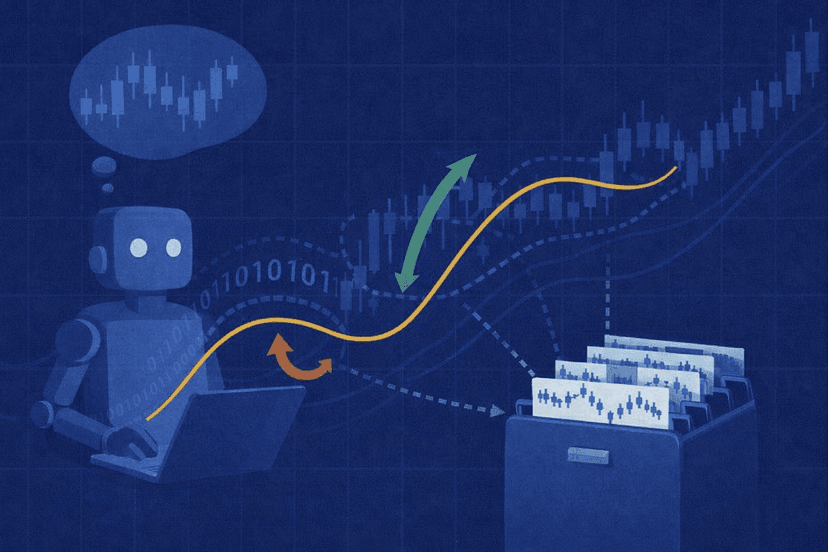
Cause 3 — Over-Optimization & Curve-Fitting (and Look-Ahead Bias)
Sometimes the data and execution are fine and the strategy itself is the problem. Over-optimization, also called curve-fitting, happens when you tune an EA’s parameters so tightly to historical data that it has effectively memorized the past instead of learning a durable edge. The backtest looks spectacular precisely because the settings were hand-picked to fit those exact bars. The moment live conditions differ even slightly, the edge evaporates.
You can usually spot a curve-fit system by its symptoms: dozens of finely tuned inputs, results that collapse when you nudge a single parameter by one step, and a suspiciously smooth equity curve with almost no losing stretches. A robust strategy degrades gracefully when parameters change; a curve-fit one falls off a cliff.
A related trap is look-ahead bias — when the logic accidentally uses information that would not have been available at the moment of the trade, such as referencing the current, still-forming bar as if it were closed. That produces backtest profits that are literally impossible to reproduce live.
The defense against fragility is robustness testing: out-of-sample validation, walk-forward analysis, and Monte Carlo simulation that stress the strategy against trade-order randomization and varied conditions. These methods do not guarantee a winner, but they expose curve-fit systems before you risk capital. It is also worth pairing a robustness review with sensible strategy selection — our roundup of low-drawdown forex EAs for 2026 shows the kind of conservative profile that tends to survive contact with live markets.
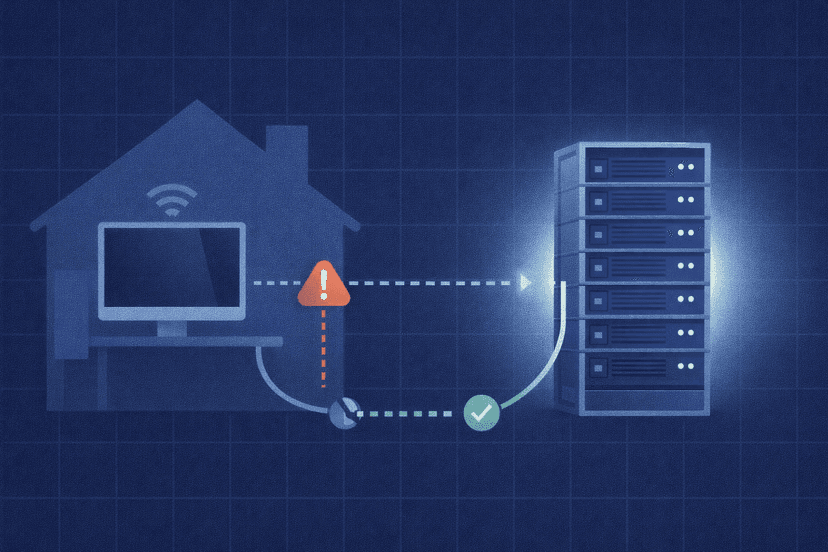
Cause 4 — Environment (Home-PC Disconnects, Missed Ticks, Server-Time/GMT Offset)
The fourth bucket has nothing to do with your strategy and everything to do with where and how you run it. A backtest runs in a sealed, uninterrupted simulation. Your home PC does not.
When an EA runs on a home computer, it depends on a consumer internet connection that can drop, a machine that sleeps or restarts for Windows updates, and a terminal that may be closed overnight. Every disconnection means missed ticks — the EA stops receiving price updates, fails to manage open positions, and may miss entries or, worse, miss an exit while a losing trade runs. None of this appears in a backtest, which assumes the EA is always on and always connected.
A subtler environment issue is broker server time and GMT offset. Backtests use the timestamps embedded in the historical data, but live, your broker’s server operates on a specific GMT offset that affects daily bar closes, session boundaries, and any time-based logic in the EA. If the offset differs from what the strategy assumed during testing, indicator values and entry timing shift, and the live behavior diverges from the backtest for reasons that have nothing to do with the market.
These environment causes are the ones most directly addressed by running your EA on an always-on server rather than a home machine — which brings us to the fix.
It helps to think of the four causes as a checklist you run in order. Rule out data quality first, because a flawed test corrupts every conclusion that follows. Then examine execution, since it is the most common culprit for fast strategies. Only after those are clean should you suspect the strategy logic itself, and finally confirm the environment your EA actually runs in. Working the list in this sequence stops you from buying a VPS to fix a problem that was really a curve-fit, or rewriting a sound strategy that was only ever losing to slippage.
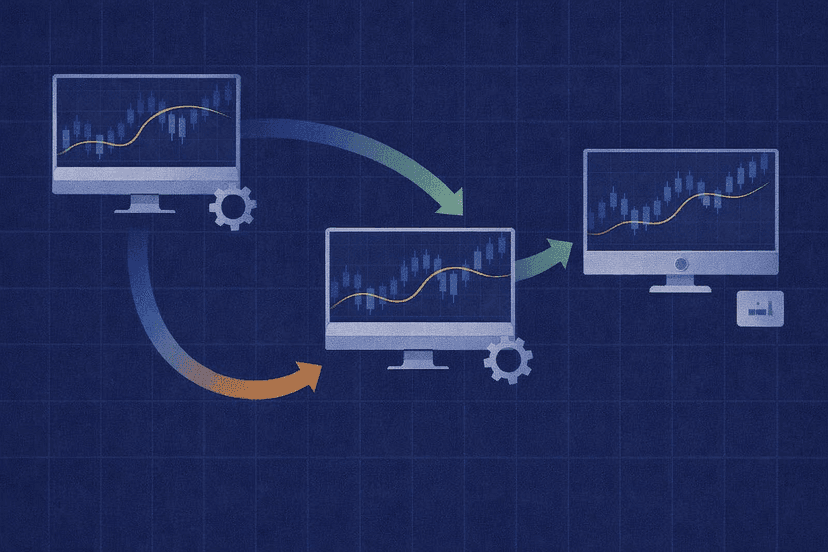
How to Close the Gap: Realistic Backtesting + Demo-Forward Testing
You cannot eliminate the backtest-vs-live gap entirely, but you can shrink it dramatically with disciplined process. The goal is to make your testing resemble live conditions as closely as possible before any real money is involved. Each step below removes one of the optimistic assumptions a default backtest quietly makes.
- Test on the best data you can get. Use real tick data or 90%+ modeling quality, and run the test on your actual broker’s price history where possible.
- Model real costs. Add your broker’s true spread behavior, commission, and swap to the test. If your platform allows it, simulate variable spread rather than a fixed value.
- Build in slippage. Most testers let you add a slippage assumption. Use a realistic, even slightly pessimistic, figure rather than zero.
- Validate robustness. Run out-of-sample and walk-forward tests, and stress the strategy with Monte Carlo. If results collapse, the edge was fragile.
- Forward-test on demo first. Run the EA on a live-data demo account for weeks. This is the single most honest preview of live behavior, because it uses real-time prices and real spread without risking capital.
- Then go live small. Start with minimum size, compare live fills against your demo and backtest expectations, and scale only once they line up.
Here is the practical pre-live recap to run through before you risk a cent: (1) confirmed high-quality data and modeling, (2) realistic spread, commission, and swap in the test, (3) a slippage assumption built in, (4) out-of-sample and walk-forward results that hold up, (5) Monte Carlo stress that does not blow out drawdown, (6) several weeks of profitable demo-forward testing on live data, and (7) a stable, always-on environment to run it. Clear all seven and your live results have a real chance of resembling your backtest.
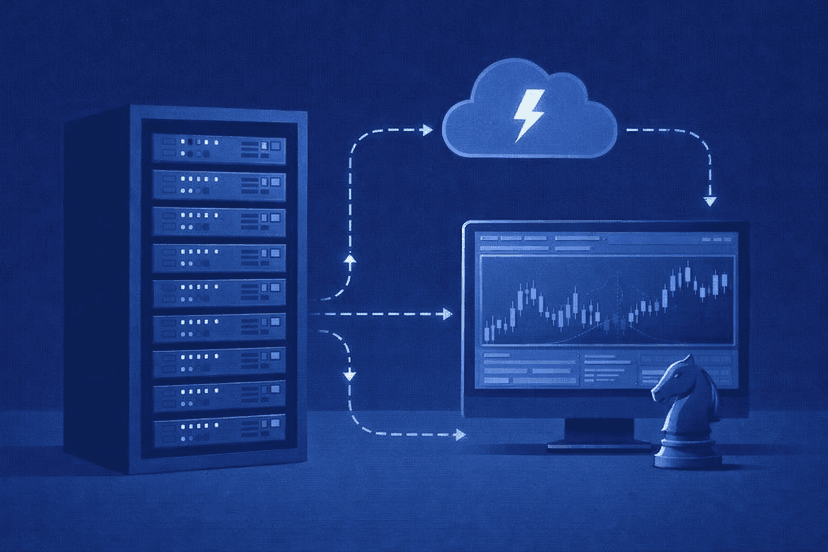
Where a Low-Latency VPS Legitimately Helps (and Where It Does Not)
A Forex VPS is a remote, always-on server that runs your trading terminal 24/5 in a data center, independent of your home computer. It directly addresses two of the four causes above — execution reality and environment — and it is important to be honest about which.
Where a VPS genuinely helps:
- Lower latency: a VPS located near your broker’s server cuts the round-trip time for your orders, which reduces slippage on time-sensitive fills. You can measure the round trip to common broker hubs with our broker latency checker.
- No missed ticks: a stable data-center connection and uptime mean your EA stays connected, keeps receiving prices, and continues managing open positions even when your home internet or PC is down.
- True 24/5 uptime: the terminal runs continuously, so no entries or exits are missed because a machine slept or rebooted for updates.
If your live underperformance traces to disconnections, delayed fills, or a home setup that cannot stay online, a VPS is the right tool — see the broader benefits of running a forex VPS, and our MT5 VPS plans if you are ready to move off a home machine.
Where a VPS does not help: a VPS cannot fix a curve-fit strategy, bad backtest data, or an EA with no real edge. If your problem is over-optimization or look-ahead bias, no amount of low latency or uptime will rescue it — the strategy itself has to be sound. A VPS removes execution and environment friction so a genuinely good EA can perform as designed; it does not turn a losing system into a winning one. Keep that distinction clear and you will spend your effort where it actually pays off. In short, diagnose the cause first, then apply the matching fix — infrastructure for execution and environment problems, and strategy rework for data and over-optimization problems.
Frequently Asked Questions
Why does my EA make money in backtest but lose in live trading?
The gap usually comes from four sources: low-quality backtest data with optimistic fills, real execution friction (slippage, requotes, latency, spread widening), over-optimization that curve-fit the strategy to history, and environment problems like home-PC disconnects or server-time mismatches. Identify which bucket applies to your EA before trying to fix it.
Can a VPS fix an EA that loses money live?
Only if the losses come from execution or environment issues — slippage from high latency, or a home setup that keeps disconnecting. A VPS provides low latency and 24/5 uptime, which lets a sound EA run as designed. It cannot fix a curve-fit strategy or a system with no real edge; that requires reworking the strategy itself.
What modeling quality should I use for backtesting?
Use the highest available. In MetaTrader 4 aim for 90% modeling quality; in MetaTrader 5 use “Every tick based on real ticks” when your broker supplies real historical tick data. Lower-quality modes interpolate price movement inside each bar, which produces optimistic fills that will not hold up live, especially for scalping and tight-stop strategies.
How long should I forward-test an EA before going live?
Run it on a live-data demo account for several weeks at minimum, long enough to cover varied market conditions including a few news events and session opens. Demo-forward testing uses real-time prices and real spread without risking capital, making it the most honest preview of live behavior. Only go live with minimum size once demo results match expectations.

About the author
Thomas Vasilyev
Writer & Full Time EA Developer
Tom is our associate writer, and has advanced knowledge with the technical side of things, like VPS management. Additionally Tom is a coder, and develops EAs and algorithms.
Areas of Expertise