
How Many MT4/MT5 Terminals Can a Forex VPS Run?
How many MT4/MT5 terminals can a forex VPS run? A practical guide to sizing CPU, RAM and charts per terminal — and when to move to a dedicated server.
How Many MT4/MT5 Terminals Can a Forex VPS Run?
If you are asking how many MT4/MT5 terminals can a forex VPS run, the honest answer is that there is no universal limit. As a rough planning range, a 2 GB VPS might handle one or two light terminals, a 4 GB plan three to five, and an 8 GB plan six to ten. Those are estimates for lean setups, not guarantees; heavy EAs, numerous charts, and frequent ticks can reduce the count sharply.
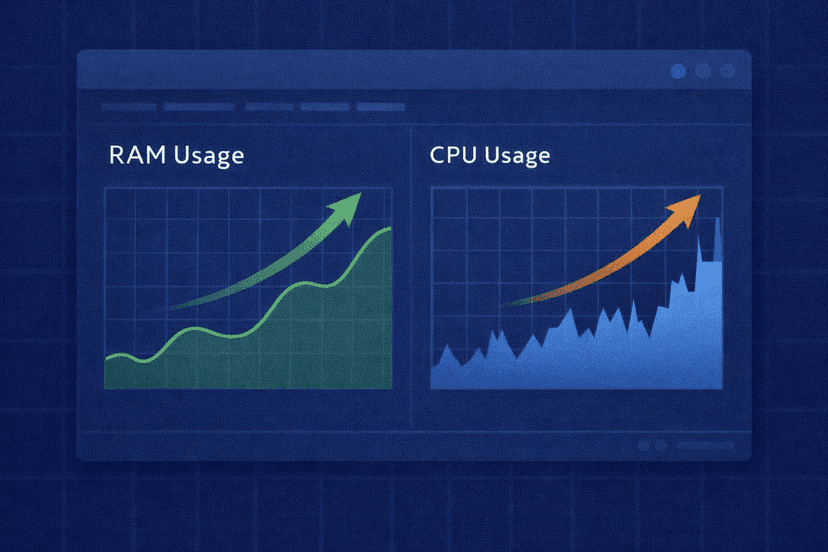
RAM normally sets the first ceiling, while CPU becomes the problem when several EAs work at once during a busy market. The reliable way to size a server is to measure one fully configured terminal during its busiest session, reserve capacity for Windows, and scale from the measured peak rather than a provider’s “unlimited terminals” claim.
Capacity is also separate from latency. MetaQuotes advertises 0–5 ms execution latency for its MetaTrader VPS service, compared with roughly 100 ms of network and analysis delay for a regular terminal. Hosting close to the broker can improve the connection path, but low latency does not give an under-sized server more RAM or CPU.
What Actually Consumes Resources in MetaTrader?
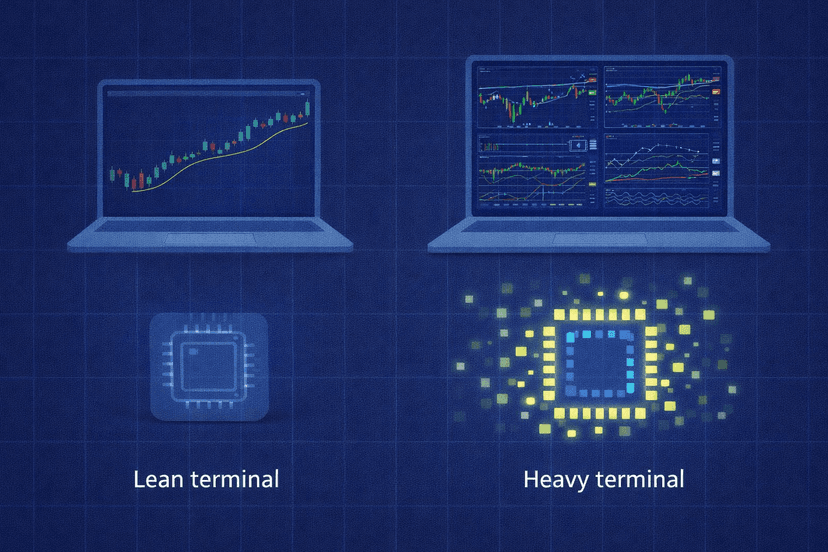
A terminal with one chart and one simple EA is a different workload from the same terminal running 20 charts, custom indicators, and several strategies. Count the work inside each instance before you count the instances themselves.
- Open charts: Each chart maintains its own symbol, timeframe, price history, indicators, and EA state. Closing unused charts reduces the work a terminal must carry.
- Timeframes and history: Deeper history and more active workspaces require more resources. MT5 supports unlimited charts and 21 timeframes, while MT4 offers nine timeframes and three chart types. That extra MT5 capacity can produce a heavier setup when you actually use it.
- EAs and indicators: A simple once-per-bar strategy is relatively light. An indicator-dense EA that recalculates on every tick creates a much more demanding CPU workload.
- Tick frequency: More price updates mean more EA and indicator events. Several quiet terminals can appear healthy until a volatile session makes them active together.
- Market Watch symbols: Keeping unnecessary symbols active adds incoming data that the platform must process. Limit the list to what the strategy needs.
MetaQuotes describes trading robots as suitable for 24/7 unattended operation, which is the reason many traders move them to a VPS. Always-on operation makes peak behavior more important than idle behavior: the server must survive the busiest minute of the week, not just look comfortable when markets are quiet.
RAM Is Usually the First Capacity Bottleneck
Every terminal needs memory for the platform, charts, history, indicators, and EA state. Windows and background services need their own share as well. If you allocate every available gigabyte to your terminal estimate, routine updates or a burst in chart history can leave no operating margin.
There is no official MetaQuotes minimum-RAM figure for one MT4 or MT5 instance. MetaQuotes does, however, say its own hosted MetaTrader VPS can allocate up to 3 GB of RAM, up to 16 GB of disk, and several CPUs on demand to one hosted trading platform. Treat that 3 GB figure as evidence that a busy terminal can be substantial, not as the normal requirement for every terminal.
The MetaQuotes service also uses a different model from a full Windows VPS. It migrates one terminal environment, including its charts, EAs, and indicators, to a virtual server. On a full Windows VPS, you install and manage multiple terminal instances yourself, so their combined demand plus the operating system determines capacity.
This is why “terminals per gigabyte” is a weak buying metric. Two lean terminals may use less memory than one complex setup. Measure the exact broker builds, charts, history, and EAs you intend to run.
CPU Becomes the Bottleneck During a Tick Storm
RAM decides whether workloads fit; CPU decides whether they keep up. An idle terminal can show almost no processor use, then jump when its symbols start receiving rapid ticks. If several scalpers and custom indicators recalculate at the same time, a server that looked oversized can begin lagging.
Core count matters because multiple active terminal processes need processor time together. Two vCPUs may be adequate for several low-frequency EAs but become the constraint before RAM is full when those EAs react to every tick. Four vCPUs provide more scheduling room for concurrent workloads, although inefficient code can still consume the available capacity.
Cheap, oversubscribed VPS plans add another risk: advertised vCPU count does not necessarily mean exclusive physical cores. Contention from other virtual machines can make available performance vary. Test under real market load and judge the plan by sustained behavior, not only by the specification sheet.
Watch for delayed chart updates, slow order-management actions, or CPU that stays near its ceiling during active periods. These are stronger sizing signals than a low average measured over an entire day.
A Practical Forex VPS Sizing Method
Use a repeatable VPS sizing and optimization process instead of copying somebody else’s terminal count. Build one representative instance first, then follow these steps:
- Configure a real terminal. Install the broker’s MT4 or MT5 build, load the charts and history you need, attach the production EAs and indicators, and keep only the required Market Watch symbols active.
- Measure a busy session. In Windows Task Manager, record the terminal process’s peak memory and CPU while its strategy is working. Do not use a quiet weekend or an idle chart as the baseline.
- Measure the server baseline. Record what Windows, security tools, and required background services consume before adding more terminals. Leave unused capacity for updates, temporary spikes, and remote administration.
- Calculate the RAM limit. Subtract the operating-system baseline and your safety reserve from total RAM. Divide what remains by the measured peak memory of one representative terminal, rounding down.
- Check CPU separately. Clone the workload one instance at a time and repeat the busy-session test. Stop adding terminals when concurrent CPU peaks cause lag, even if free RAM remains.
- Re-test after changes. A new EA, more charts, deeper history, or another actively traded symbol changes the calculation. Capacity planning is an operating check, not a one-time setup task.
| Example VPS size | Estimated light terminals | Estimated heavy terminals | Planning note |
|---|---|---|---|
| 2 GB RAM / 2 vCPU | 1–2 | 1, after testing | Limited Windows headroom; unsuitable if one workload approaches the high end |
| 4 GB RAM / 2 vCPU | 3–5 | 1–2 | CPU may cap active scalpers before memory is full |
| 8 GB RAM / 4 vCPU | 6–10 | 3–5 | More room for concurrent work, but isolation may still favor splitting accounts |
Do not add the maximum column to a production server on day one. Start below it, observe at least one genuinely busy trading window, and scale only while the server retains clear RAM and CPU headroom. Keep a dated record of each peak so you can spot capacity drift before it becomes trading lag.
When to Stop Stacking and Use a Dedicated Server
A larger VPS is not always the best next step. Consider a forex dedicated server when CPU contention persists after optimization, memory demand leaves little safety margin, or adding one terminal affects the responsiveness of every other account. Dedicated hardware gives a dense multi-terminal workload more predictable access to processor and memory resources.
Operational risk matters too. If ten accounts depend on one Windows instance, one platform conflict, operating-system problem, or restart can affect all ten. Prop traders and multi-account operators may prefer several smaller VPS environments so unrelated accounts do not share the same failure boundary. A dedicated server can also be divided into isolated groups, but that design still needs monitoring and backup procedures.
Use these signs as a decision trigger:
- CPU remains high during active sessions after unused charts, symbols, and indicators are removed.
- Terminals lag or EA actions arrive late when several strategies activate together.
- Memory frequently approaches the server limit and leaves no safe margin for Windows.
- A single server restart would interrupt too many independent accounts or strategies.
- The cost of several upgraded VPS plans approaches a dedicated server that better matches the workload.
The right answer may be one larger machine, several isolated VPSs, or a dedicated server. Choose based on measured load and acceptable failure scope, not terminal count alone.
Right-Size the Server, Then Leave Headroom
Start with one representative terminal, measure it under real tick load, and use both its RAM peak and concurrent CPU behavior to set the limit. A purpose-built forex VPS is a practical fit for a small or moderate setup; a forex dedicated server becomes more attractive when many heavy EAs need predictable resources or stronger workload isolation.
Whatever you choose, avoid filling the server to its theoretical maximum. The best capacity target is not the largest number of terminals that will launch. It is the number that can keep working through volatile sessions, updates, and temporary spikes without lag.
Frequently Asked Questions
How much RAM does one MT4 or MT5 terminal use?
MetaQuotes does not publish an official minimum RAM requirement per terminal. Usage depends on charts, history, symbols, indicators, and EAs. Its hosted service can allocate up to 3 GB to one trading platform, which shows why measuring your configured terminal in Task Manager is safer than assuming a fixed amount.
Can I run MT4 and MT5 on the same VPS?
Yes, if the VPS has enough RAM and CPU for both workloads. MT4 and MT5 are free and available for Windows, Linux, and macOS, but a full Windows VPS is the typical way to manage multiple instances. Measure each platform separately because an MT5 workspace with more charts and history may not match an MT4 terminal’s footprint.
Does each EA need its own MetaTrader terminal?
No. One terminal can run EAs on multiple charts, provided the platform and server have enough resources. Separate terminals are useful when you need different broker accounts, platform builds, settings, or failure boundaries. Each additional instance adds its own base workload, so test both arrangements.
Is one big VPS or several small VPSs better?
One larger VPS can simplify administration and use spare resources across several terminals. Multiple smaller VPSs improve isolation: a restart or overloaded strategy affects fewer accounts. For prop or multi-account trading, decide how much shared failure risk you accept, then compare that with the cost and management overhead.
When should I switch from a VPS to a dedicated server?
Switch when sustained CPU contention, high memory use, or a large shared failure boundary makes further VPS stacking unreliable. If a well-optimized workload still lags during busy sessions, or the combined price of several VPS plans is close to dedicated hardware, benchmark a dedicated server against the same peak workload.

About the author
Thomas Vasilyev
Writer & Full Time EA Developer
Tom is our associate writer, and has advanced knowledge with the technical side of things, like VPS management. Additionally Tom is a coder, and develops EAs and algorithms.
Areas of Expertise