
RDP vs VNC for Forex VPS: Which Is Better in 2026?
RDP vs VNC for your forex VPS — compare speed, latency, security, and MT4/MT5 compatibility to choose the right remote access protocol for live trading.
If you’ve rented a forex VPS in the last few years, the provider almost certainly handed you an RDP connection by default. Some traders never look beyond that. Others poke around, find that VNC is a free alternative, and wonder if they’re missing out on a faster, more flexible option.
The short answer: RDP is the right protocol for almost every live-trading use case on a Windows forex VPS. It’s faster, more secure out of the box, and natively optimized for the Windows environment that MT4, MT5, and cTrader run on. VNC has a place — cross-platform setups, headless Linux boxes, broker-side support sessions — but it isn’t built for the same job.
This guide breaks down how each protocol works, where the performance gap actually shows up, and which one to pick for your trading setup.
RDP vs VNC at a Glance
Before we dig in, here’s the side-by-side that covers 90% of trader questions:
| Feature | RDP (Remote Desktop Protocol) | VNC (Virtual Network Computing) |
|---|---|---|
| Developed by | Microsoft (proprietary) | Olivetti & AT&T (open standard) |
| How it works | Sends drawing commands | Sends pixel-by-pixel screen images |
| Bandwidth usage | Low — efficient over slow links | High — needs more bandwidth |
| Default port | 3389 (TCP) | 5900+ (TCP) |
| Encryption by default | Yes (TLS + NLA) | No (depends on implementation) |
| Multi-user sessions | Each user gets isolated desktop | Everyone shares the same screen |
| Best on | Windows-to-Windows | Any OS to any OS |
| Typical use case | Day-to-day VPS access | Headless Linux, cross-platform support |
For a Windows-based forex VPS — which is what almost every trader running MT4 or MT5 uses — RDP wins on four of the five things that matter most: speed, latency, security, and ease of setup.
How RDP Works
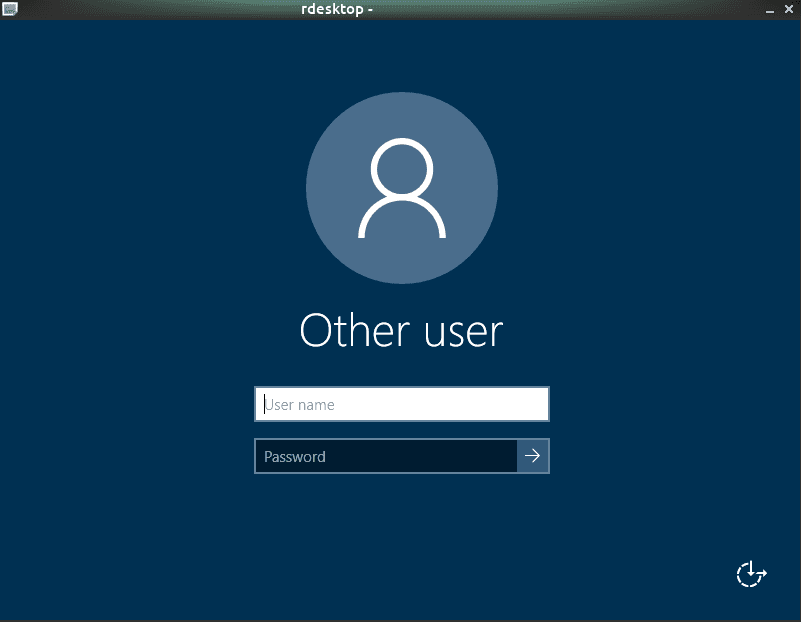
RDP is Microsoft’s proprietary protocol, built into every modern version of Windows from Windows XP onward. Instead of sending screenshots, it sends drawing instructions: “draw a rectangle at these coordinates, render this text in this font, paint this region from the cache.” The client then reconstructs the screen locally.
That single design choice — instructions, not pixels — is why RDP feels snappy even over a flaky home Wi-Fi connection. A typical RDP session uses 50–150 kbps for normal desktop work, spiking only when video or large image regions update. By contrast, a VNC session pushing 1080p screen updates can chew through 1–5 Mbps without breaking a sweat.
RDP also gives every user their own isolated session. When you log into your VPS, you don’t see what the previous user was doing — Windows spins up a fresh desktop just for you. That’s a real benefit for shared-account scenarios, but more importantly it means a session crash on your end doesn’t take down anyone else.
How VNC Works
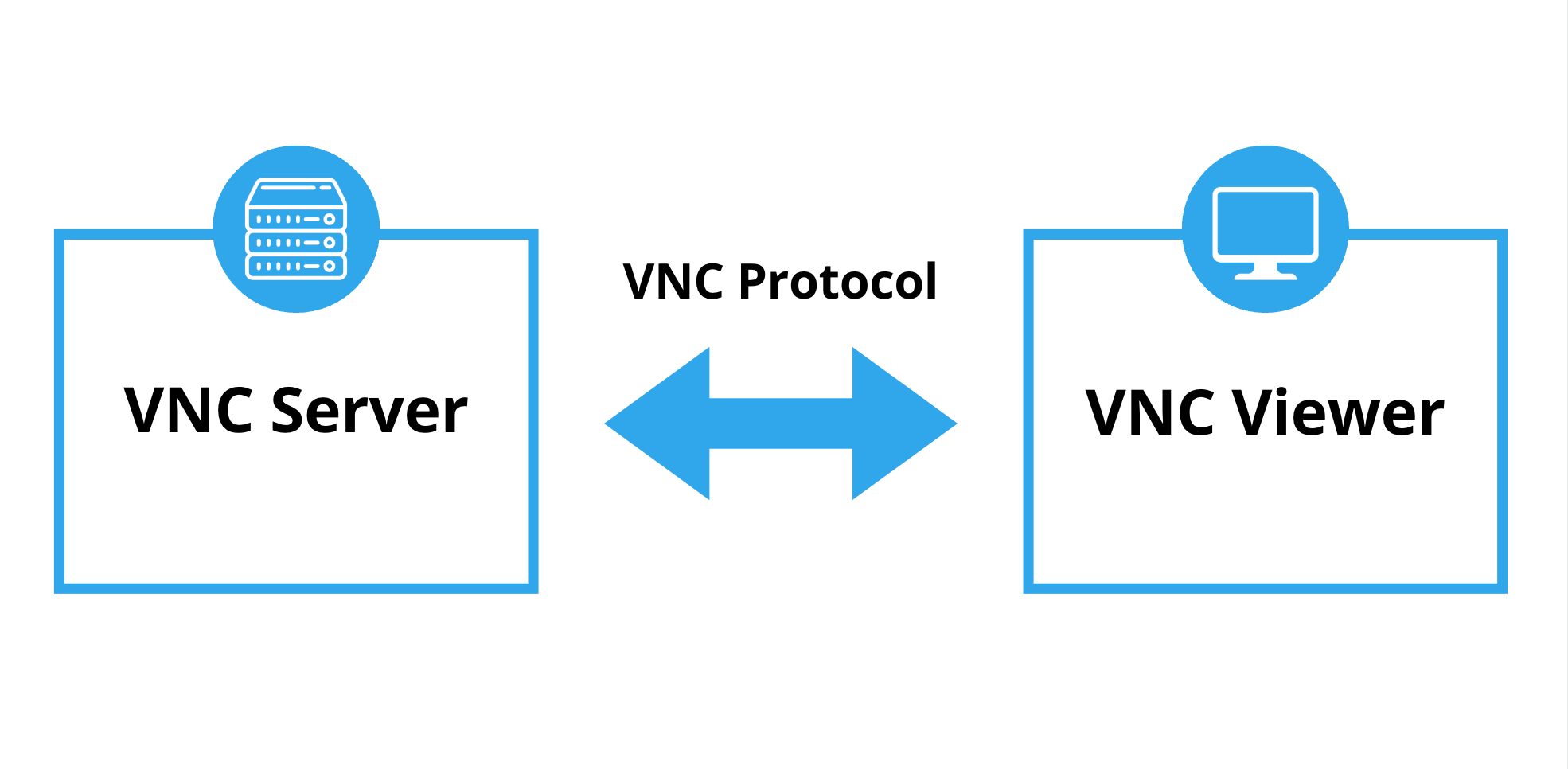
VNC is older — it dates back to the late 1990s at the Olivetti Research Lab — and more straightforward. It captures the framebuffer — what’s actually on the screen — and ships pixel updates over the network. There’s no “drawing language” to interpret on either end. The server says “this rectangle changed, here are the new pixels,” and the client paints them.
The advantage of that simplicity is reach. VNC server implementations exist for Windows, macOS, Linux, BSD, Raspberry Pi, even some routers. Two well-known forks — TightVNC and RealVNC — added features like compression, JPEG encoding for image regions, and optional encryption. But the core protocol stayed pixel-based, which means VNC has always been bandwidth-hungrier than RDP for the same workload.
VNC sessions are also screen-sharing, not session isolation. If you VNC into a Linux machine that someone else is already using, you see their desktop. That’s useful for remote support — a broker tech can literally watch your MT4 setup — but it’s not how you want to manage a production trading box.

Performance: Where the Gap Actually Shows Up
For traders, “performance” doesn’t mean abstract benchmarks. It means three concrete things: how quickly your charts redraw after a tick, how laggy the mouse feels when you’re clicking through Order tickets, and how stable the session is over a long trading day.
RDP wins all three on a Windows forex VPS, and the margin isn’t subtle.
Bandwidth and Frame Rate
Run an MT4 chart with a single moving-average indicator at 1-minute candles, and your screen barely changes between ticks — a few pixels in the price ladder, a new candle every minute, maybe an Equity number ticking up or down. RDP recognizes those small deltas and ships only the changed regions. VNC, depending on the encoding you’ve configured, often re-sends much larger blocks of pixels.
The practical result: on a home internet connection of 25 Mbps down / 5 Mbps up — which is below the U.S. broadband median — RDP feels fluid. VNC feels like dragging a cursor through molasses, especially if you’ve got a multi-monitor setup.
Latency to the Server
Here’s a subtle but important point: the RDP-vs-VNC choice does not change the latency between your VPS and your broker. That latency is determined by where your VPS sits (NY4, LD4, TY3) and where your broker’s matching engine sits. If your forex VPS is in NY4 and you’re trading IC Markets, your order travels from VPS to broker in under a millisecond regardless of how you remote in.
What RDP-vs-VNC affects is the latency you feel when interacting with the VPS — how long between clicking “Buy” in MT4 and seeing the trade ticket pop up on your screen. RDP minimizes that lag because the actual click is processed on the server side, and only the visual response gets sent back.
Session Stability
Long trading sessions reveal protocol stability differences. RDP can reconnect transparently after a brief drop — Microsoft built in a 30-second reconnection window by default, and Windows holds your session open. If your home Wi-Fi blips, your EA on the VPS keeps running and your session resumes when the network comes back.
VNC behavior depends on the implementation. TightVNC will drop you cleanly on a disconnect. RealVNC has improved reconnection logic. Most basic VNC server builds just terminate the session, which is fine for occasional admin work but irritating during active trading.

Security: The Default Matters
RDP encrypts every session by default using TLS, and modern Windows installations require Network Level Authentication (NLA), which forces you to authenticate before the server spins up a full desktop session. That’s a meaningful defense-in-depth measure against brute-force attacks and known RDP vulnerabilities.
VNC, by default, has no encryption. The plain VNC protocol transmits keystrokes and screen contents in cleartext. TightVNC and RealVNC offer encryption add-ons, but they need to be configured explicitly. If you’re connecting to a forex VPS over public Wi-Fi at a coffee shop, an unencrypted VNC session is a real exposure — someone running Wireshark on the same network can see your trading password as you type it.
Both protocols can be tunneled through a VPN or SSH to add encryption, but with RDP that work is already done for you. With VNC, it’s homework.
One caveat on RDP: because it’s so widely deployed, it’s a major scanning target on the public internet. Best practice is to change the default port (3389), restrict access by IP allow-list where possible, and use a long unique password — practices any reputable forex VPS provider configures for you out of the box.
MT4 and MT5 Compatibility
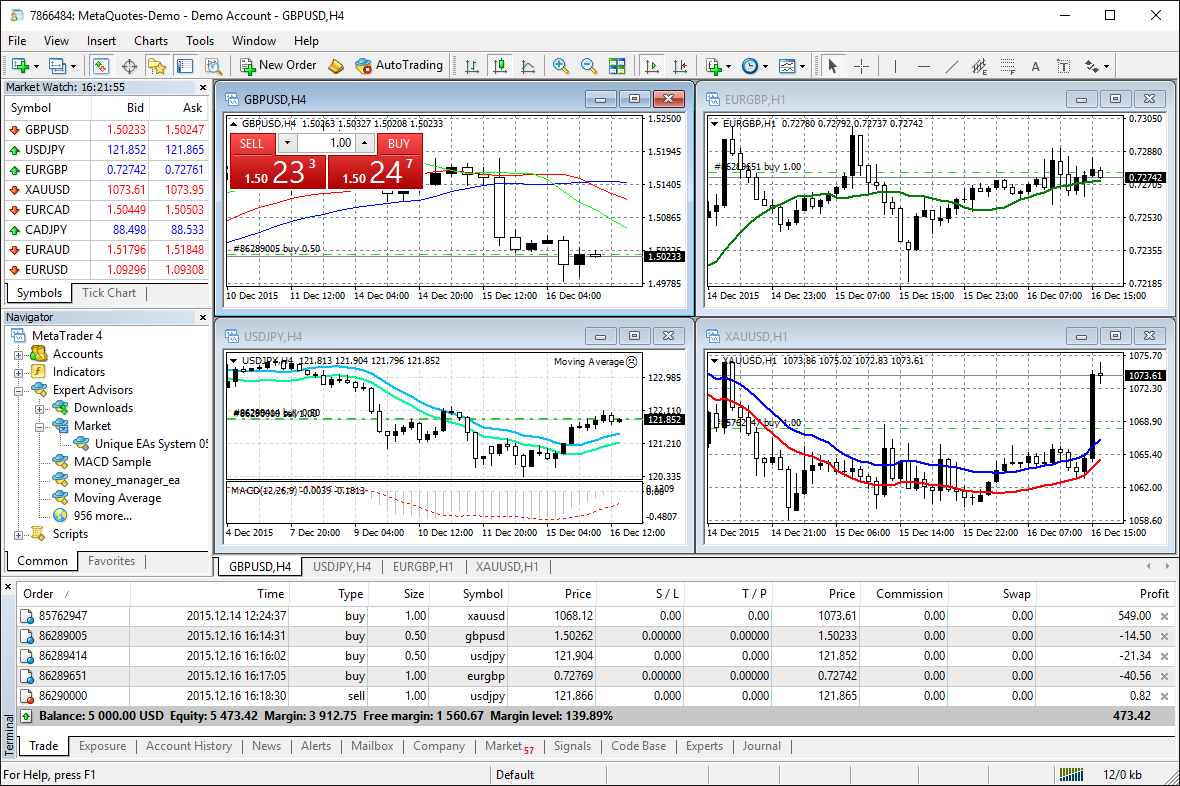
MetaTrader 4 and MetaTrader 5 are Windows-native applications, full stop. They run in a Windows desktop environment, and they expect the Windows graphics stack to be available. That makes them perfectly suited to RDP, which IS the Windows remoting stack.
When you RDP into your forex VPS, you’re getting a real, full-fidelity Windows desktop. Custom indicators render correctly. Right-click context menus behave normally. Drag-and-drop between EAs and chart windows works. Multi-monitor setups translate cleanly.
Running MT4 over VNC on Windows is technically possible, but the experience is degraded — chart redraws are slower, custom indicator visuals can flicker, and copy-paste between your local clipboard and the remote session is often broken depending on the VNC client you use.
Where VNC genuinely shines is the (uncommon) case of running MT4 or MT5 on a Linux VPS via Wine. In that scenario, you don’t have RDP available natively, so VNC is the standard way in. But this is an enthusiast setup, not how the vast majority of traders run MT4. For a pre-configured MT4 VPS on Windows Server, RDP is what you want.
Setup: How Much Work Is Involved
Setting up RDP on a Windows forex VPS is effectively zero work — it’s already enabled by default, and your provider gives you the IP, username, and password on day one. Open the Remote Desktop client on your laptop or phone, type in the IP, log in. That’s it.
VNC requires installing a server (TightVNC, RealVNC, UltraVNC, or TigerVNC), opening the firewall port, configuring authentication, and ideally setting up an SSH or VPN tunnel for encryption. On Windows that’s a 15–30 minute task. On Linux it’s longer because you also need to configure a window manager for the headless display.
For a trader whose goal is to start running EAs as fast as possible, RDP is the obvious path. (If you’re still weighing whether a forex VPS is worth it at all over your existing setup, our breakdown of forex VPS vs regular Windows VPS covers the trade-offs in detail.)
When VNC Is the Right Choice
VNC isn’t dead — it’s just the right tool for a different job. Here are the cases where it makes sense for a forex setup:
- Headless Linux servers: If you’re running a custom trading bot in Python on a Linux VPS and need occasional GUI access to a debugger or a TradingView desktop instance, VNC is the standard remote desktop option.
- Cross-platform support sessions: If your broker’s support team needs to look at what’s on your MT4 screen while you’re using a Mac, a VNC link can be set up faster than the equivalent screen-sharing over an RDP-licensed setup.
- Raspberry Pi or low-resource boxes: Some traders run lightweight monitoring tools or notification scripts on a Pi. VNC is well-suited for that hardware.
- Legitimate screen-sharing scenarios: When you genuinely want two people to see the same desktop simultaneously — for training or pair-debugging an EA — VNC’s shared-session model is the right design.
None of these are the common case for a forex trader running EAs on a Windows VPS. But if you fit one of these profiles, VNC is the protocol to reach for.
When RDP Is the Right Choice (Almost Always)
If your stack is:
- A Windows-based forex VPS
- Running MT4, MT5, cTrader, NinjaTrader, or any Windows-native trading platform
- With one or more EAs running 24/5
- Accessed from a laptop, desktop, tablet, or phone
Then RDP is the answer. It’s faster, more secure, lower-bandwidth, and natively integrated with the operating system your trading software was designed for. Every major forex VPS provider — including NYCServers — ships RDP enabled and pre-configured for exactly this reason.
How NYCServers Configures RDP for Forex Traders
On every NYCServers forex VPS, RDP is enabled at provisioning with sensible defaults:
- TLS encryption with NLA enforced
- Strong, unique passwords generated per VPS
- Pre-installed MT4 and MT5 binaries ready to launch on first login
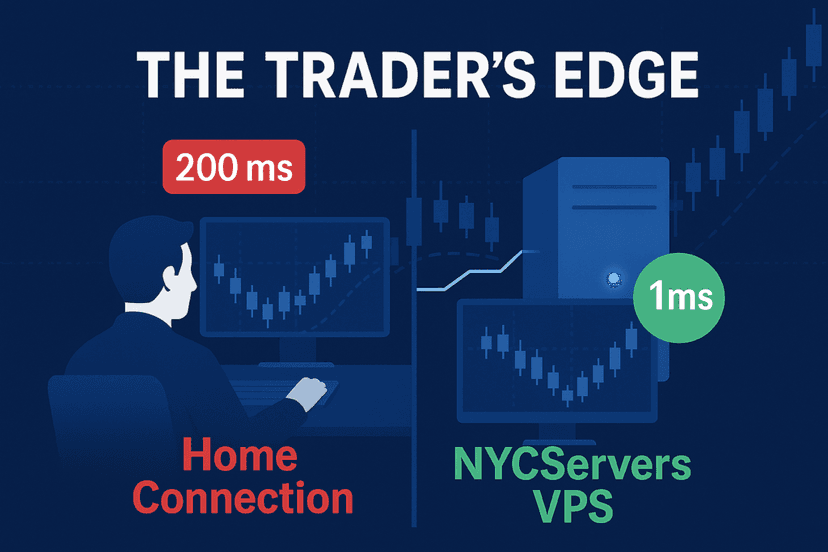
- 1ms or less latency to major brokers from NY4, LD4, and TY3
- 24/7 support if anything in the RDP path breaks
You can also manage your VPS through our web-based control panel — power-cycle, run EA installs, manage the firewall — without needing to RDP in for every minor task. RDP stays available when you need a full interactive session; the control panel handles the routine stuff.
FAQ
Is RDP faster than VNC?
Yes, on Windows-to-Windows connections RDP is meaningfully faster than VNC. RDP transmits drawing instructions while VNC sends pixel updates, so RDP uses 5–30x less bandwidth for the same workload. The practical effect on a forex VPS is smoother chart redraws and lower input lag.
Can I use VNC on a Windows forex VPS?
Technically yes — you can install a VNC server like TightVNC alongside the default RDP service. In practice, there’s no reason to: RDP is already enabled, faster, and more secure. The only common reason traders ask is when they’re trying to connect from a Linux desktop that doesn’t have a good RDP client, but modern Linux distros all ship with Remmina or FreeRDP, which handle RDP cleanly.
Does the choice between RDP and VNC affect my trade execution speed?
No. Trade execution latency is determined by the network path between your VPS and your broker’s matching engine, not by how you remote in. A 1ms VPS-to-broker connection stays 1ms whether you’re using RDP, VNC, or no remote session at all. The remote protocol only affects how responsive the desktop feels when you interact with it.
Is RDP secure enough for a trading account?
RDP with NLA and TLS enabled is industry-standard for remote access. The main risks are weak passwords (use a long, unique one), unrestricted public exposure (limit access by IP where possible), and unpatched Windows versions (keep the VPS updated). Reputable forex VPS providers configure the protective defaults out of the box and patch the underlying OS for you.
Can I run RDP from my phone?
Yes. Microsoft publishes free official Remote Desktop apps for iOS and Android, and they handle modern RDP features including NLA, multi-monitor scaling, and Bluetooth keyboard input. You can check your EAs, close positions, or adjust a stop loss from your phone with no extra software on the VPS side.
What’s the best alternative if I’m using a Mac?
Microsoft’s “Windows App” (formerly Microsoft Remote Desktop) on the Mac App Store handles RDP cleanly. There’s no need to fall back to VNC just because you’re on macOS — the Mac RDP client is mature and feature-complete.
The Bottom Line
For a Windows-based forex VPS running MT4, MT5, or any other mainstream trading platform, RDP is the right choice. It’s faster, more secure, and natively integrated with the OS your tools were designed for. VNC keeps its place for cross-platform admin work and headless Linux boxes, but those aren’t typical forex use cases.
If you’re running into lag, dropped sessions, or a sluggish VPS desktop, the protocol almost certainly isn’t the problem — the VPS specs, location, or your home internet probably are. A properly-sized forex VPS in a financial-hub datacenter, accessed over RDP, should feel essentially indistinguishable from running MT4 on your own machine.
That’s the bar we hold every NYCServers forex VPS to. RDP is enabled and tuned at provisioning; latency to major brokers stays under 1ms from our NY4, LD4, and TY3 locations; and our support team is standing by 24/7 if anything in the stack ever feels off.

About the author
Thomas Vasilyev
Writer & Full Time EA Developer
Tom is our associate writer, and has advanced knowledge with the technical side of things, like VPS management. Additionally Tom is a coder, and develops EAs and algorithms.
Areas of Expertise